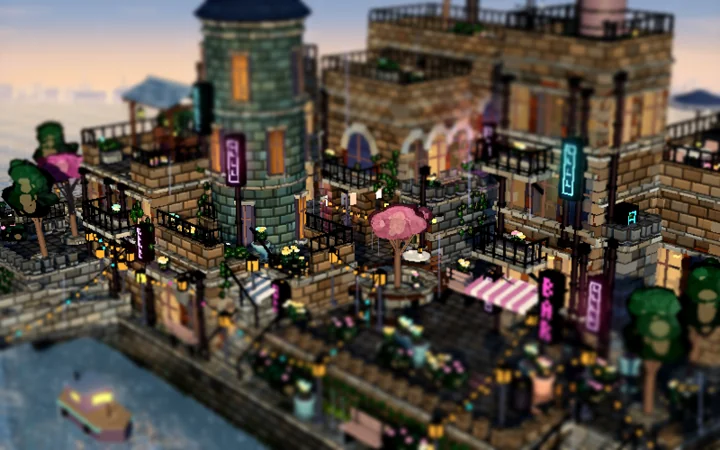
In this chapter
In this chapter
A crown that catches the light
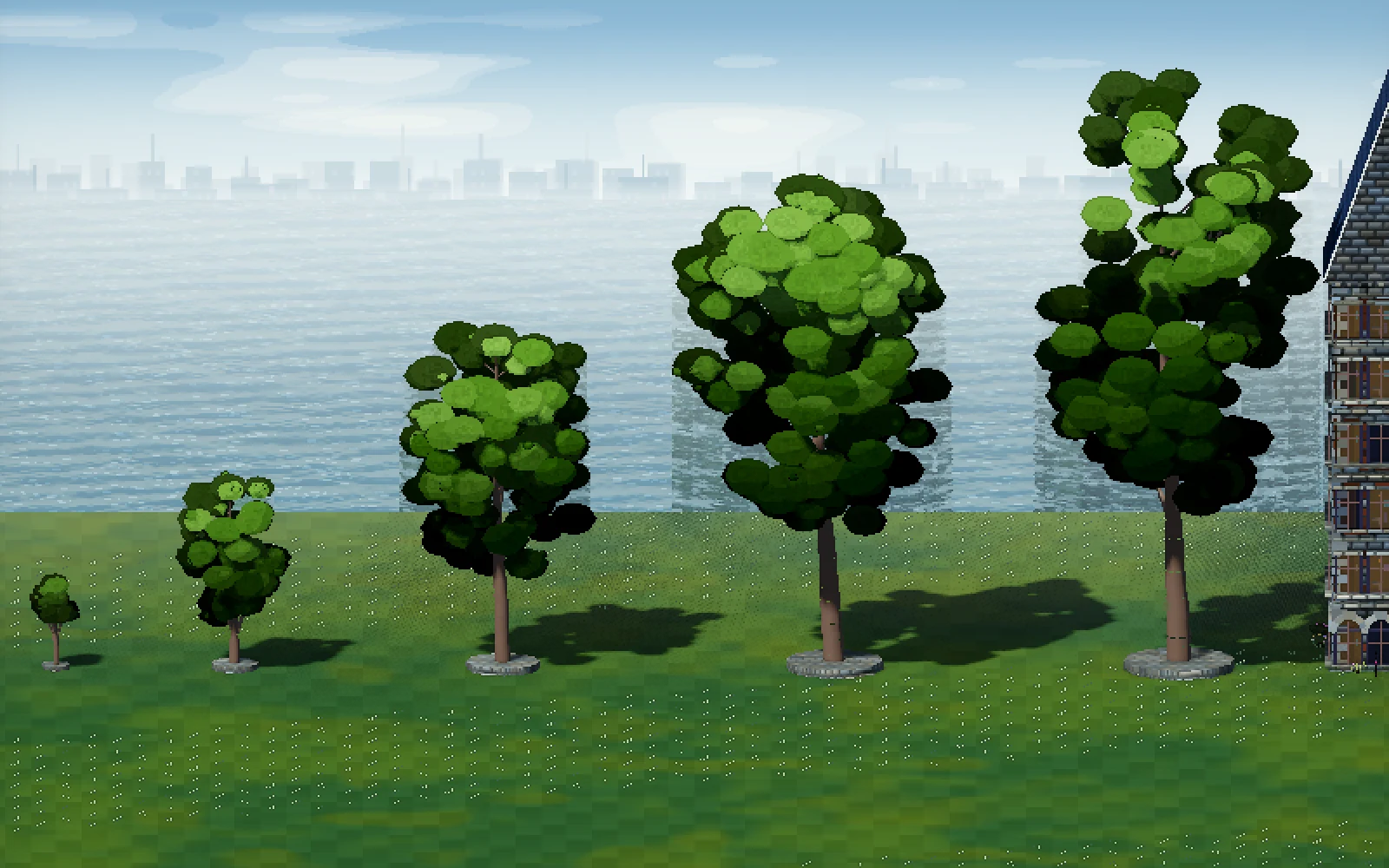
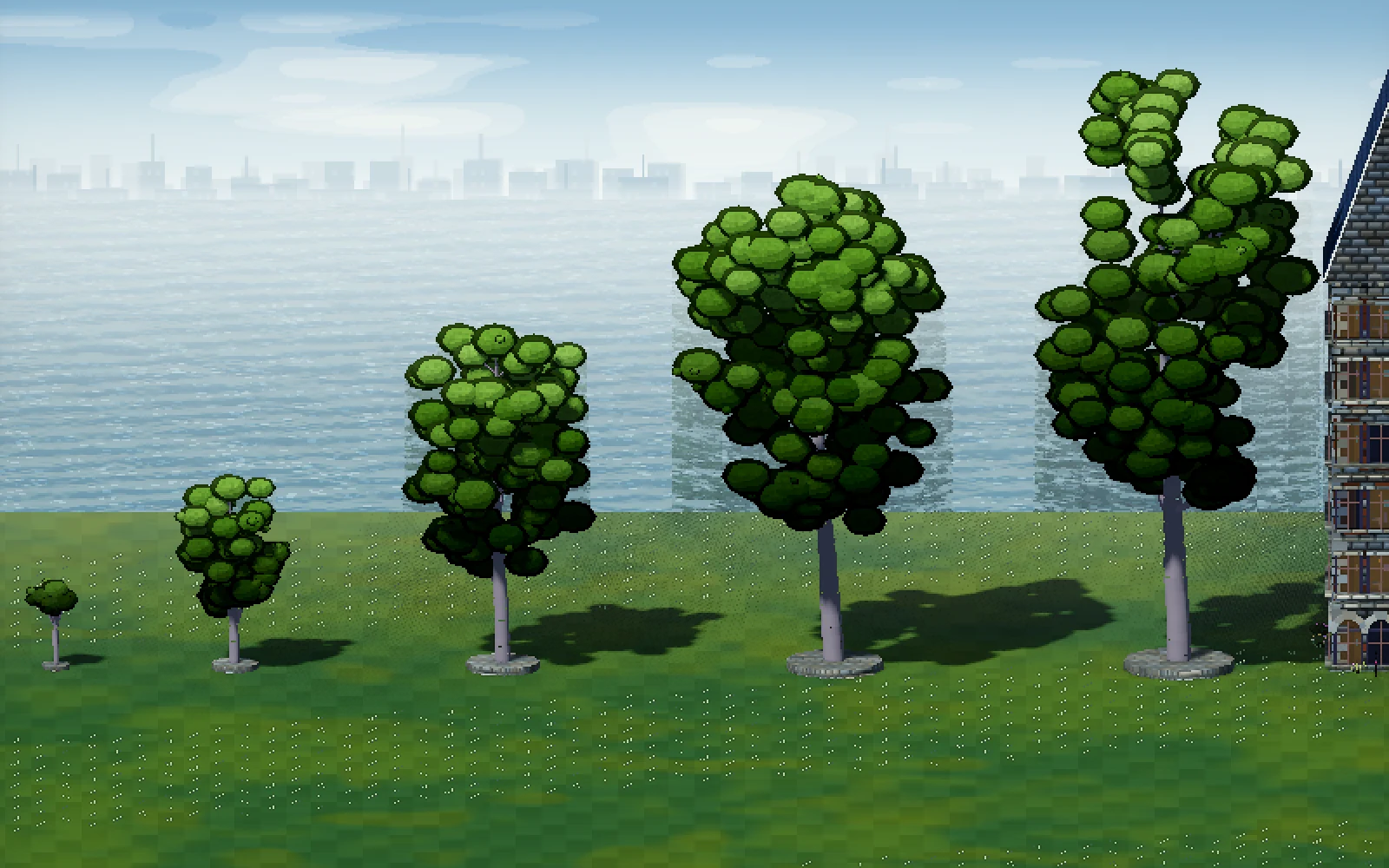
The previous chapter ended with some fairly scruffy giants. Several had bare sticks under the leaves, and the lowest clumps were almost black. A polish pass shed branches that never reached the crown and spread the remaining leaf clumps more evenly across it. At maximum height, the measured count of bare scaffold limbs fell from between eight and seventeen to between zero and three.
That helped the outline, but each clump still lit like a separate ball. The next change bent the leaf normals toward one imaginary ellipsoid around the crown. Normals tell the renderer which way a surface faces; changing them lets many small pieces catch the light as a larger mass without moving their vertices.
The blend is strongest on small trees and relaxes on giants, where some variation helps. Broadleaf trees also got darker brown bark and a lower young crown. The blossom kept its flatter parasol. Lowering the whole branching structure had broken a treehouse case, so the house-carrying limbs stayed at their existing heights.
Something pointed in the garden
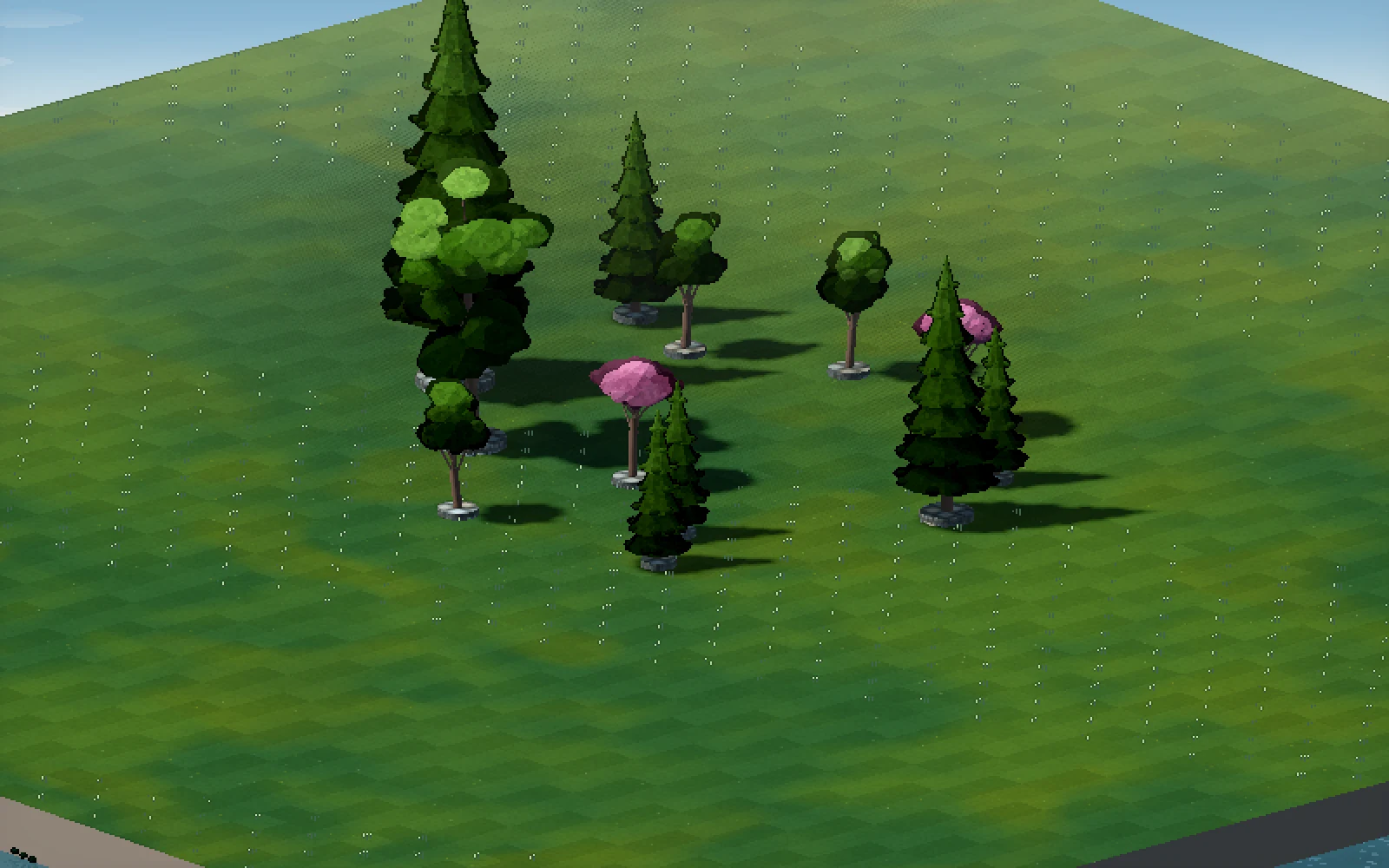
Evergreen is now a Garden part, with the same Height and Spread controls as the other growing trees. Its blue-green crown is built from overlapping tiers, with scalloped edges to keep the silhouette from becoming a stack of perfect cones. Small trees start with three tiers; the tallest reach twelve.
The default is narrower than a broadleaf tree, about 1.76 metres across at the 4.2-metre size. The tree gets lighter toward the top and responds to the existing fullness and hue variations. It also joins the foliage batching, sway and scenery sounds.
Evergreens cannot carry houses. Their narrow crowns are excluded from the perch suggestion and crown picking used for treehouses. Old scenes still load, while a scene containing the new Evergreen part needs a build that knows that part exists.
Growing from the trunk out
Placing a tree now takes about 2.2 seconds to finish visually. A sapling rises first, then thick limbs push out from their parents and taper toward their tips. Leaf clumps bud as the growth reaches them. An evergreen fills from its lower tiers upward. Larger trees take longer, within a range of 1.4 to 4.5 seconds.
Each branch vertex carries its starting point and its distance along the growth path. Leaves carry an anchor on a nearby limb. The shader uses that information to reveal the structure as one growth value advances. Once the value reaches its settled state, every vertex is exactly where the finished mesh put it.
The animation applies to newly planted trees that are free of buildings. Trees growing around a house remain settled, and resizing still uses the brief swell between size stages. A tall blossom touching the canal house is excluded too, even though it may not immediately look like a treehouse.
What the animation costs
The first design made too much settled geometry use the heavier tree material. Separate growth materials reduced that cost, but the extra vertex data still has to move through memory: thirty-two bytes per vertex on a tree stage mesh.
In the final interleaved battery-powered benchmark, the mixed forest averaged 13.48 milliseconds per frame before the animation work and 13.80 after it. Its p95 rose from 18.51 to 19.08 milliseconds. Those runs measured scenes with nothing actively growing, so they show the cost of supporting the feature even when it is idle.
The planting capture still had a frame of roughly 210 milliseconds at placement, present before and after the change. The final full test run covered forty suites and 18,276 checks, with one failure: the already-known creature re-planning timing check on battery. Integration passed. The exported Mac app also ran the half-grown grove and planting sequence; the Windows export was not run on Windows.
More room for the town
Fullscreen had left the interface tiny because its controls stayed the same number of pixels wide as the window grew. Scaling everything with the window fixed that, then needed backing off: the first proportional version occupied too much of the view.
The revised scale is twenty per cent smaller than that first attempt, with a floor at one-to-one so small-window text stays crisp. At 1920 by 1080 the controls use their normal size. At a 2880-wide window they use a scale of 1.6 rather than 2.
The part tray now closes when you choose a card and keeps the chosen part ready to place. Click a category in the bottom dock to reopen it; click that same category again to close it. Select, including the V shortcut, closes the tray too. The settings panel keeps its own show/hide control.
Still to check
The interface change passed 333 UI checks, the look test and smoke captures at three window sizes, plus integration at the largest size. It did not get another full-suite run or a hand-played tray session. The Windows executable was rebuilt again after the tray change, but remains untested on Windows.
The new trees also exposed a lighting fault in rain: the smoother crown normals turn an old wet gloss effect into large pale patches. That finding leads into the beautify plan, which looks across the whole scene rather than stopping at the tree model.
From the project notebook
This chapter draws on the project’s records as they stood on 25 September 2026.
- docs/visual-handoff.md · 25 September tree polish, style, planting growth and interface entries
- docs/tree-growth-animation-plan.md · Implemented growth and remaining exclusions
- artifacts/trees/style/ · Style comparisons and evergreen captures
- artifacts/trees/growth/ · Planting films, final tests and battery benchmarks
- artifacts/ui-scale-0925/r2/ · Revised interface captures and integration